Your work,
in motion.
Drop in your designs, pick a motion, export a seamless loop. Polished showcase videos in minutes, right in your browser.
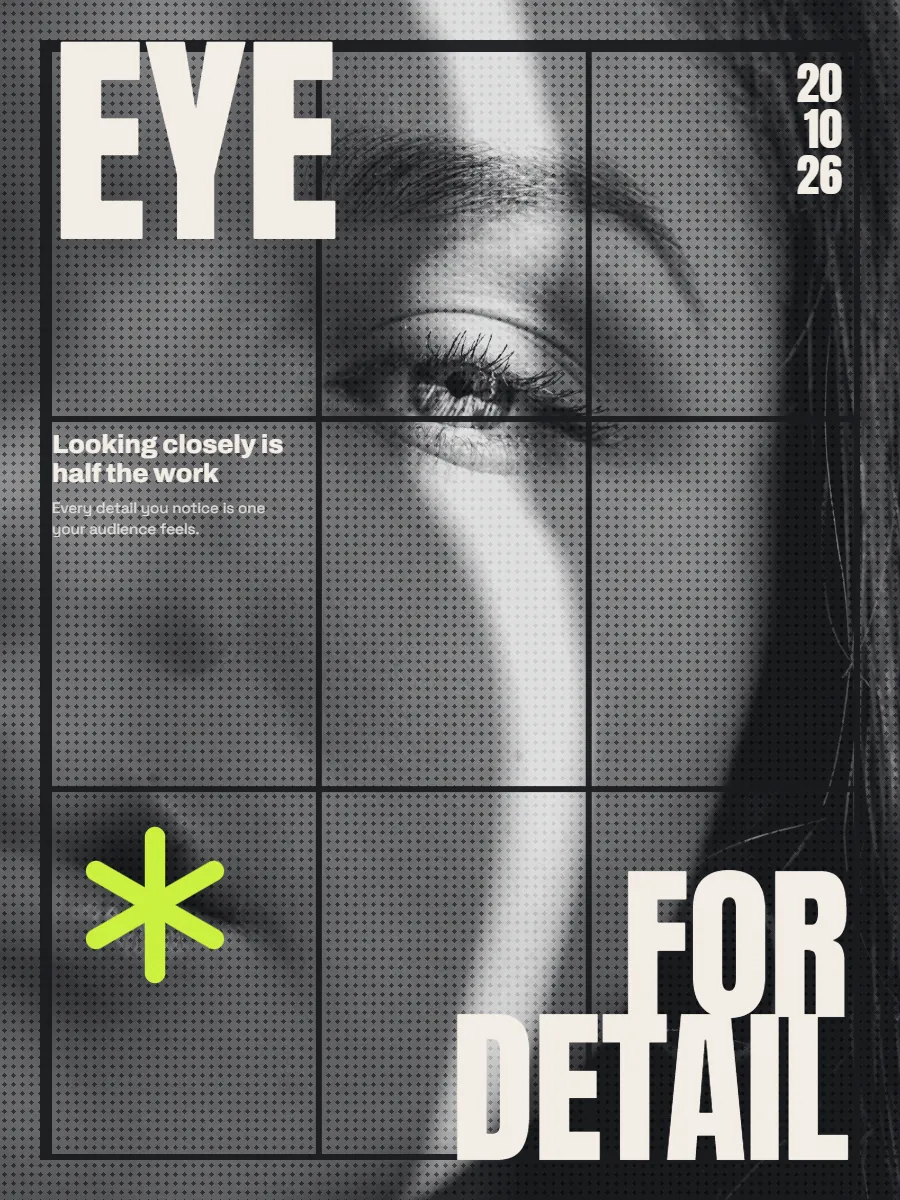
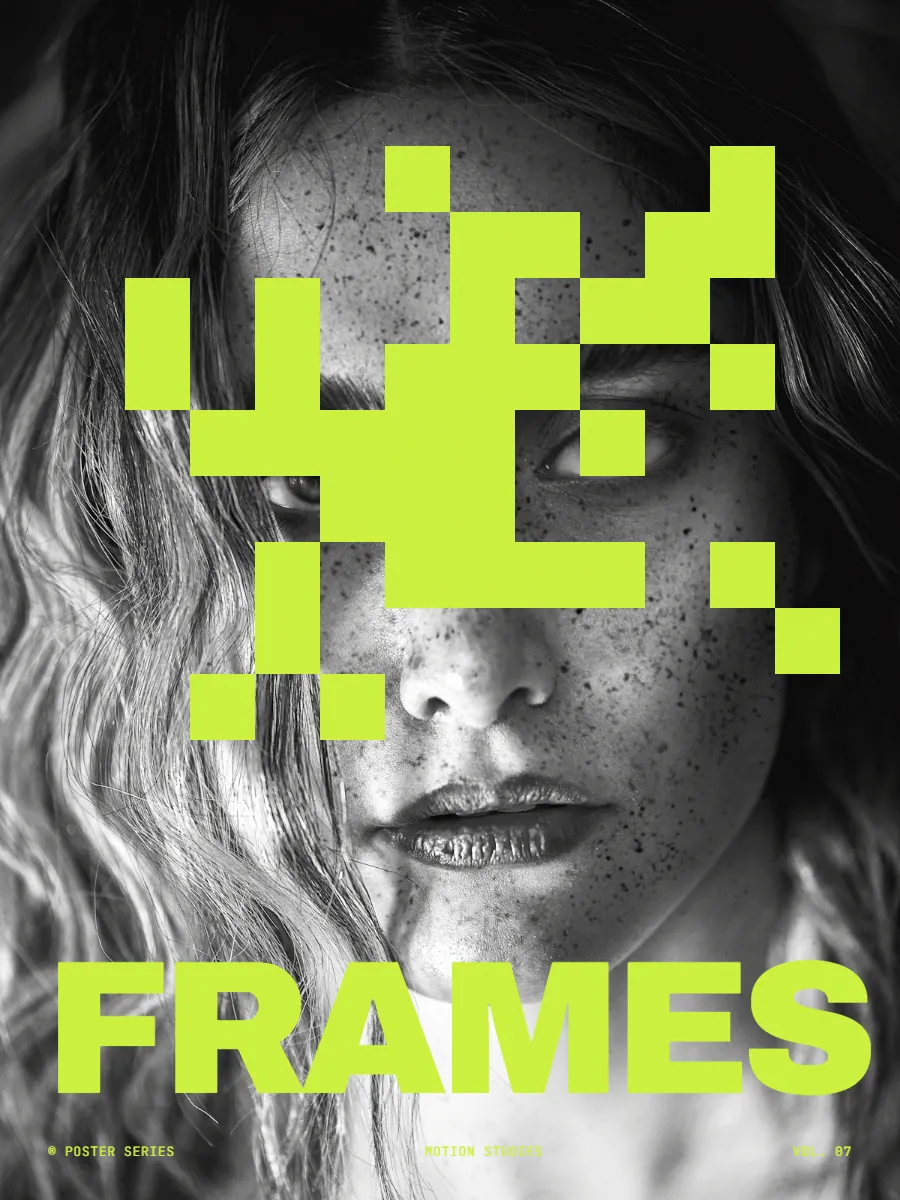
One project. Every shape.
Stories, feeds and case studies from the same showcase. Nothing gets stretched or cut off.
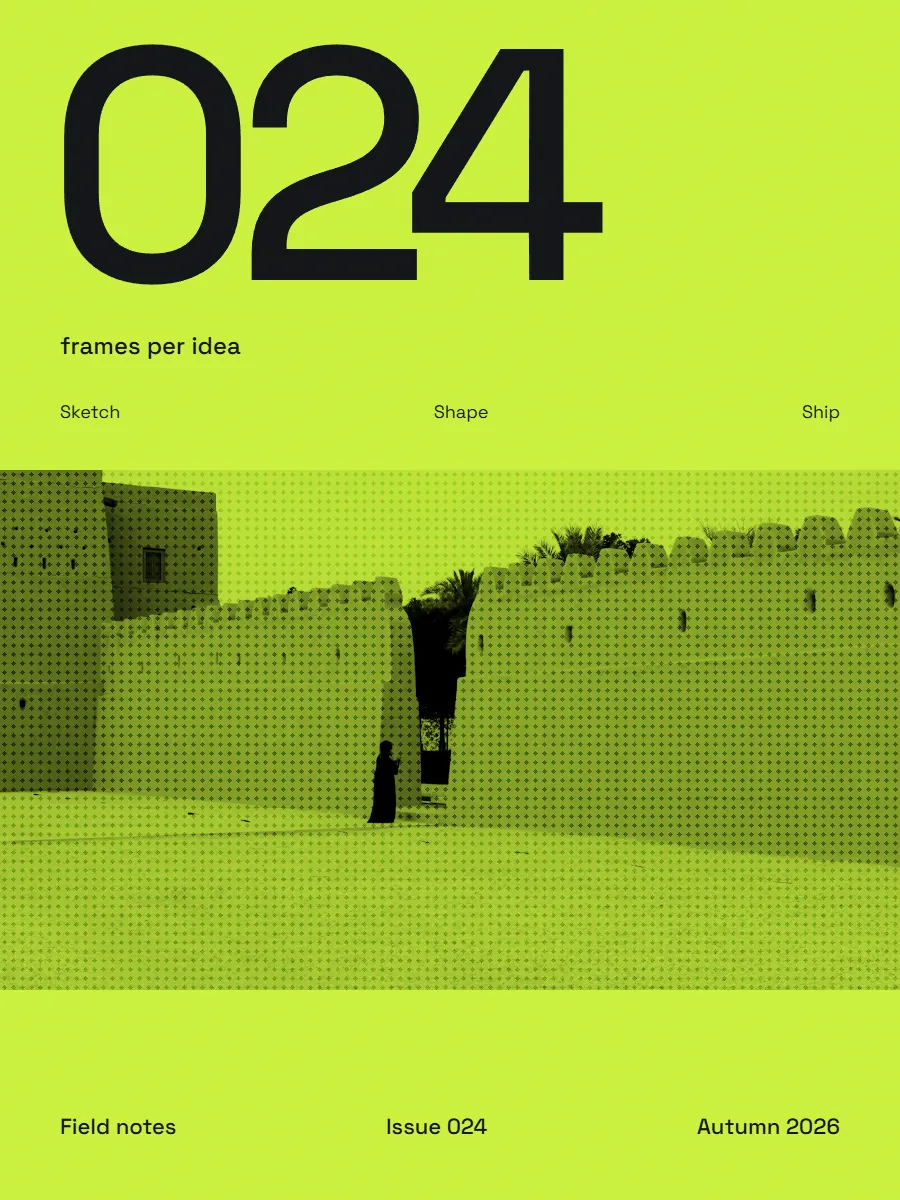
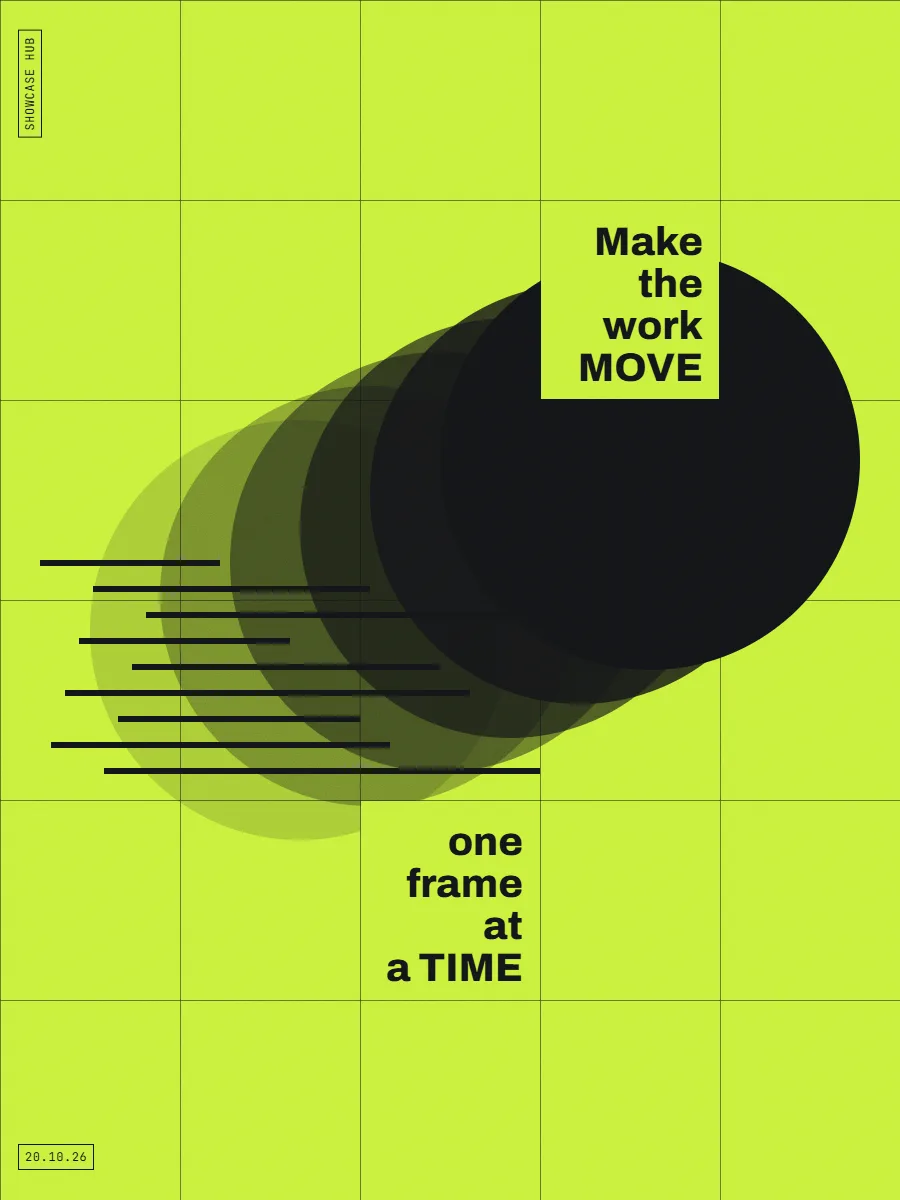
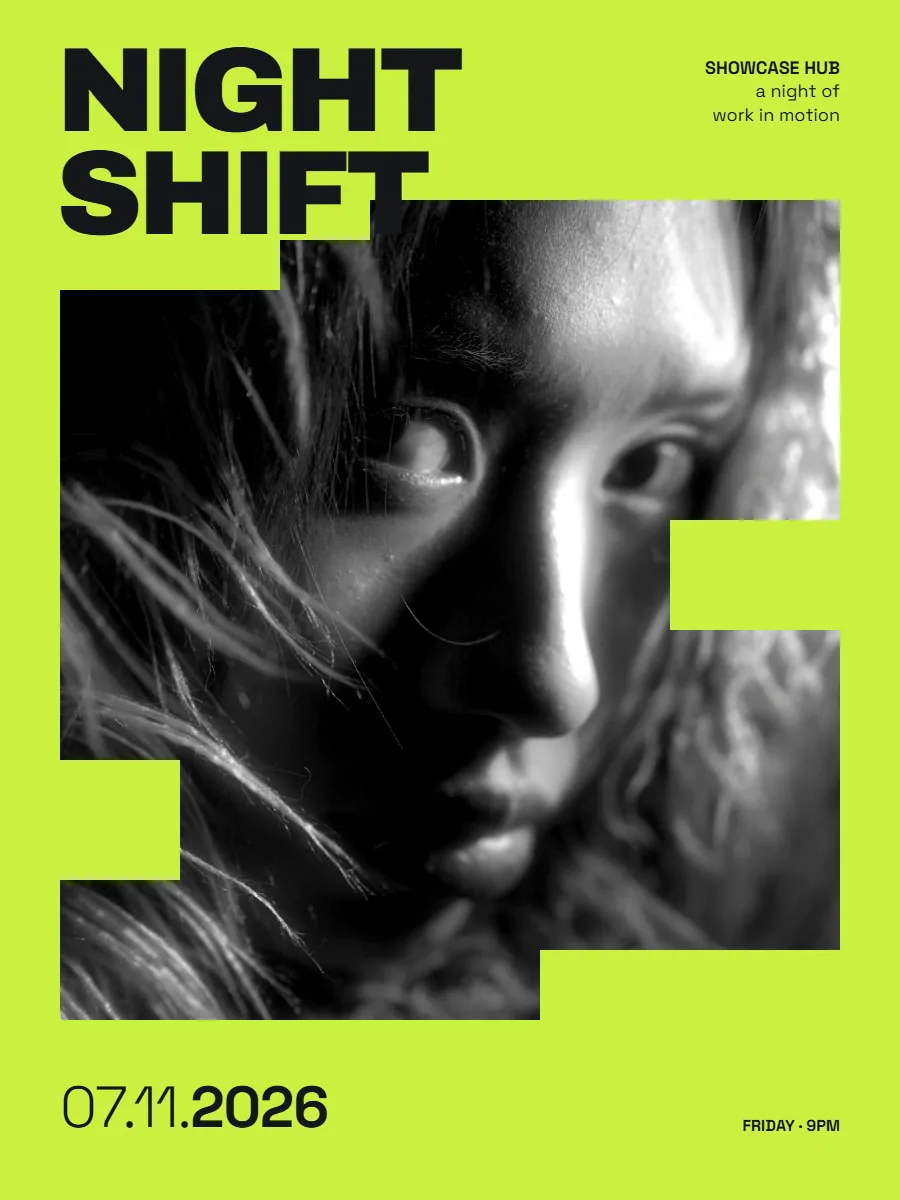
30 motions, and counting.
3D rings and tunnels, grids, decks and carousels. Each one loops seamlessly.
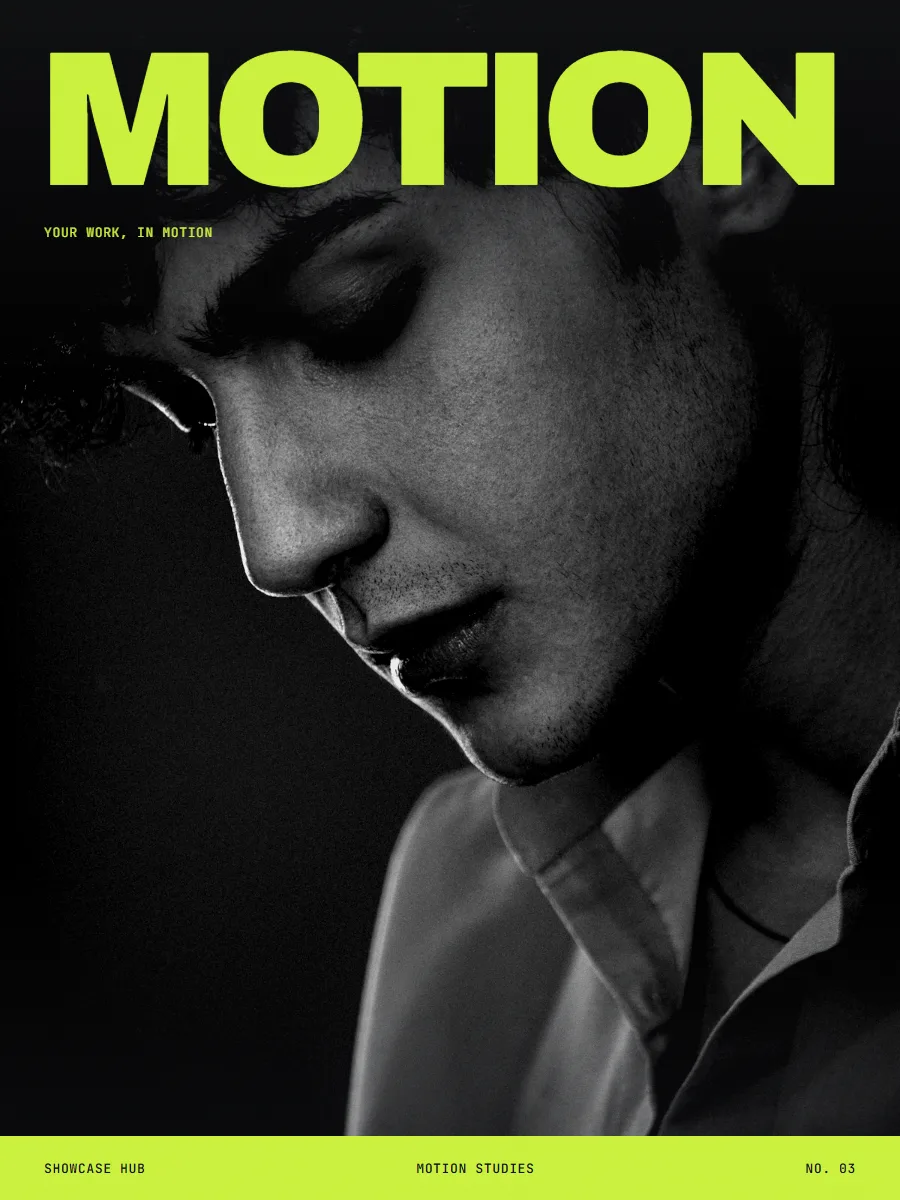
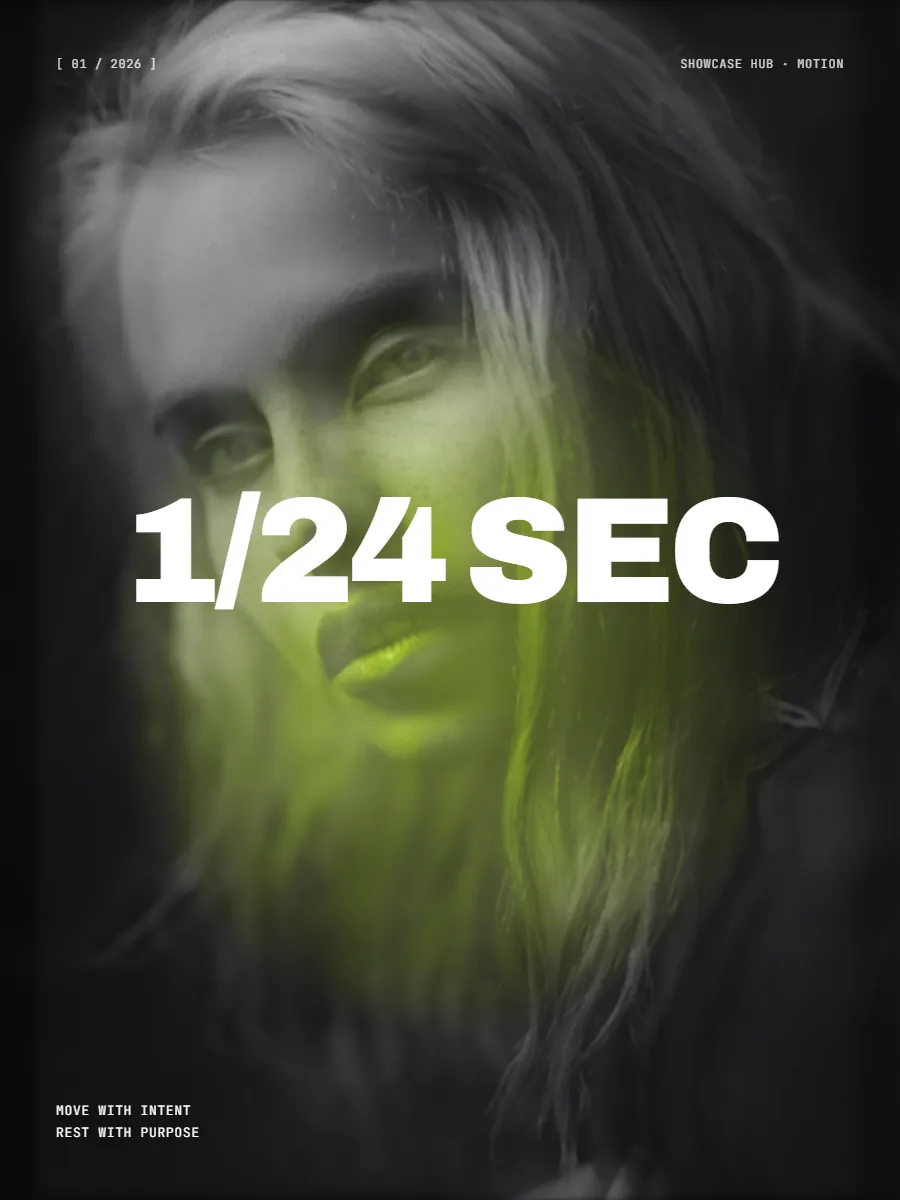
Made for people who care
how work is shown.
Six frame shapes, and the cards change shape too
One project reshapes for stories, feeds and slides. Cards can be portrait, square or wide, or follow your media. Nothing stretched, nothing cut off.
Frame 9:16Frame 3:4Frame 4:5Frame 1:1Frame 4:3Frame 16:9Card 3:4Card 1:1Card 9:16Your work never leaves your computer
Everything runs in your browser. Nothing is uploaded, ever.
MP4, WebM, transparent video and PNG frames.
Every export ends exactly where it began.
Come back for the revision
Every project saves itself, so client changes take minutes, not a rebuild.
v1v2v3Free while we're in beta.
Everything is free until Pro launches, including 4K, 60 fps and transparent video. After that, 720p stays free for good.
- Every motion, unlimited projects
- Every size up to 4K, no watermark
- 60 fps, transparent video and PNG frames
- Commercial use allowed
- 2K and 4K, at 30 or 60 fps
- 1080p without the watermark
- Transparent video and PNG frames
- Video backgrounds
- Everything in Pro, forever
- Every future Motion feature
- Beta users get first claim
- Only 50 seats, never reopened
Questions, answered.
Is it really free?
Yes. Until Pro launches, everything is free: every motion, unlimited projects, and exports up to 4K at 60 fps, including transparent video, with no watermark. After the beta, 720p stays free for good and 1080p stays free with a small watermark; 2K, 4K, 60 fps, transparent video and video backgrounds join Pro. Beta users get first claim on the 50 founding lifetime seats.
How easy is it to make something?
Three steps: drop in your images or video clips, pick a motion, and export. No account, no timeline, nothing to install. Your first loop takes a couple of minutes.
Do you store my work?
No. Everything runs in your browser on your own computer. Your images, videos and projects are never uploaded to us or anyone else.
How long does an export take?
It depends on your computer. A 15-second loop at 1080p usually takes around 40–60 seconds on a good laptop; video clips and 60 fps take longer. The progress bar shows the time remaining.
Can I use it for client work?
Yes, commercial use is allowed during the beta, and anything you export during the beta stays yours to use commercially for good. After launch, commercial use comes with Pro.
What devices does it work on?
Laptops and desktops, in Chrome, Edge and Firefox. Safari support is coming. Phones can open it, but making showcases needs a bigger screen.
What can I export?
MP4 or WebM video, transparent video, or PNG frames, in six frame shapes from 9:16 to 16:9, all from the same project. The cards inside can be portrait, square or wide too.